Deploy Deepseek Locally with Ollama and Integrate into VSCode
Run DeepSeek locally on macOS with Ollama and connect it to VSCode via the Continue extension for AI-assisted coding.
Ollama Ollama is a tool for locally deploying and managing AI models. It allows developers to run various AI models in their local environment without relying on cloud services. Ollama provides a simple command-line interface that makes model deployment and management very easy.
DeepSeek DeepSeek is an AI-powered code completion tool that provides intelligent code suggestions based on context. DeepSeek supports multiple programming languages and can be integrated into various development environments, such as VSCode, IntelliJ IDEA, etc., through its API.
First, we need to install Ollama on macOS. Ollama can be installed via Homebrew.
brew install ollamaDownload the DeepSeek Model
Visit Ollama’s DeepSeek library
Select the model and run the corresponding command. Here we use the default 7b version.
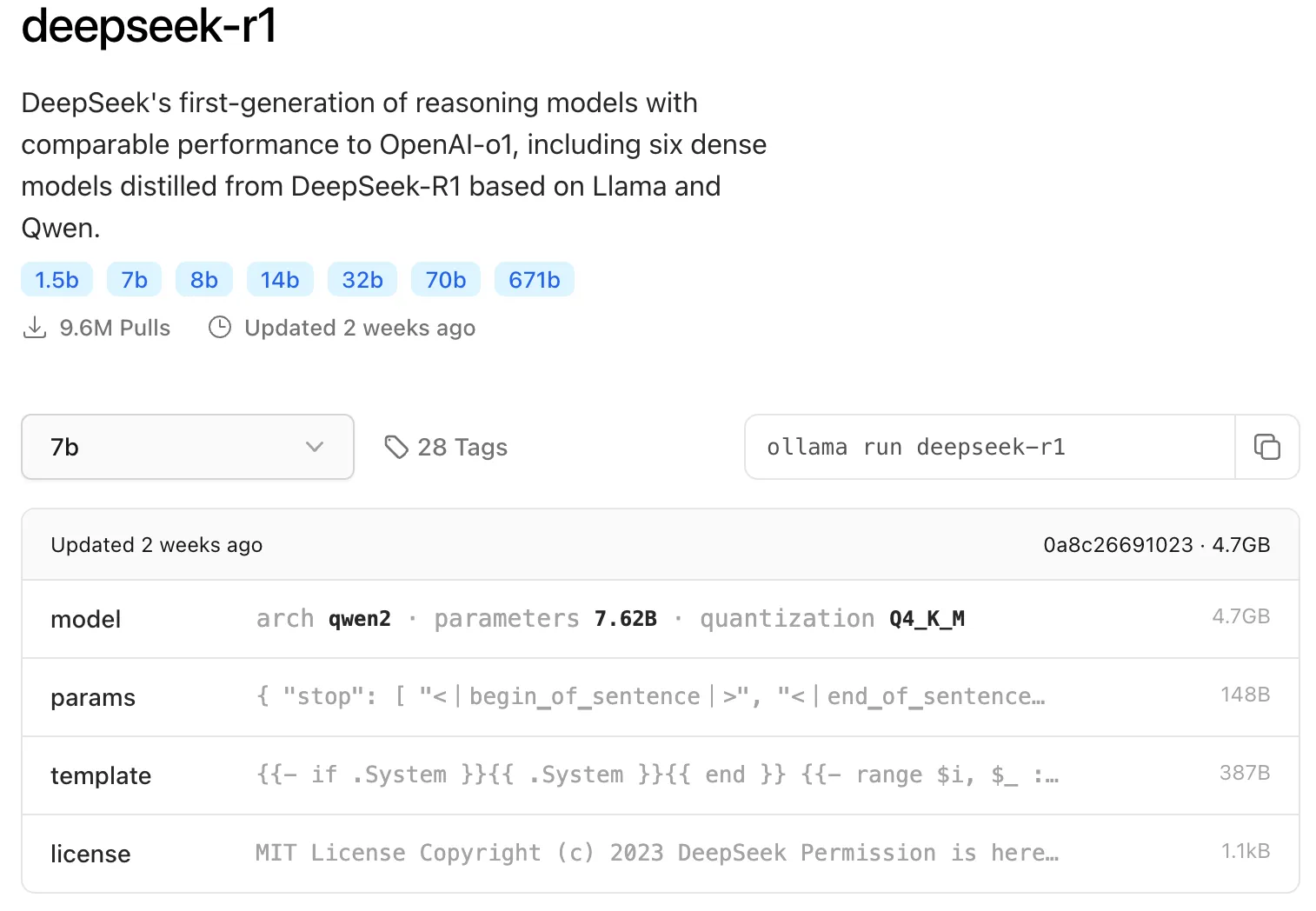
ollama run deepseek-r1Once it’s running successfully, you can start chatting.
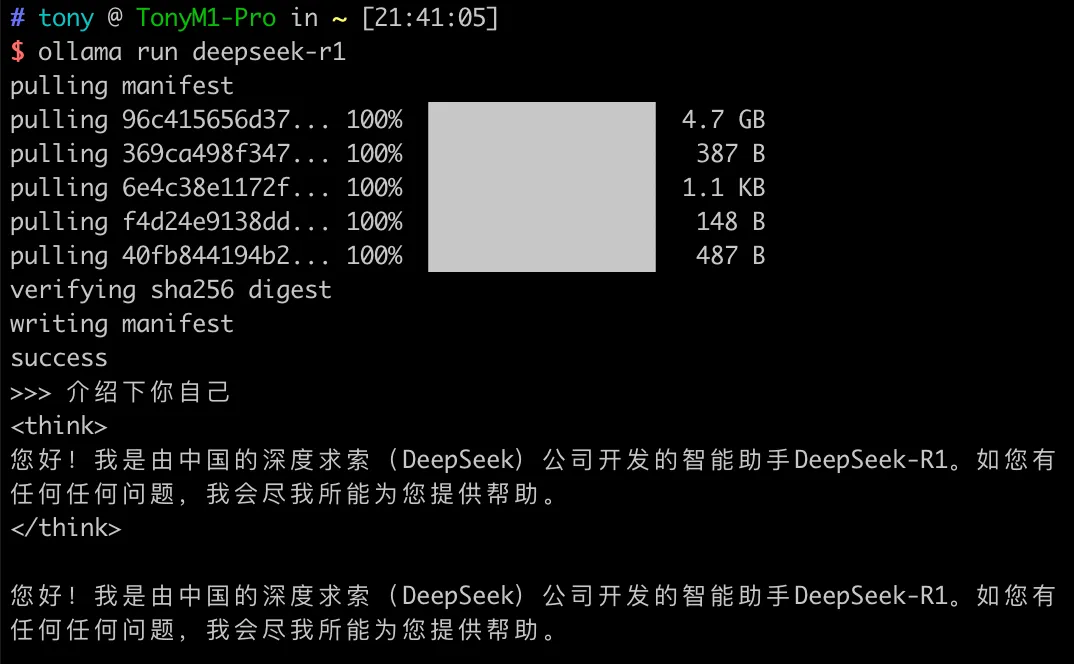
Run the following command to start the local model server:
ollama serveSearch for Continue in the VSCode extension marketplace, install it, and then connect to the local Deepseek model.
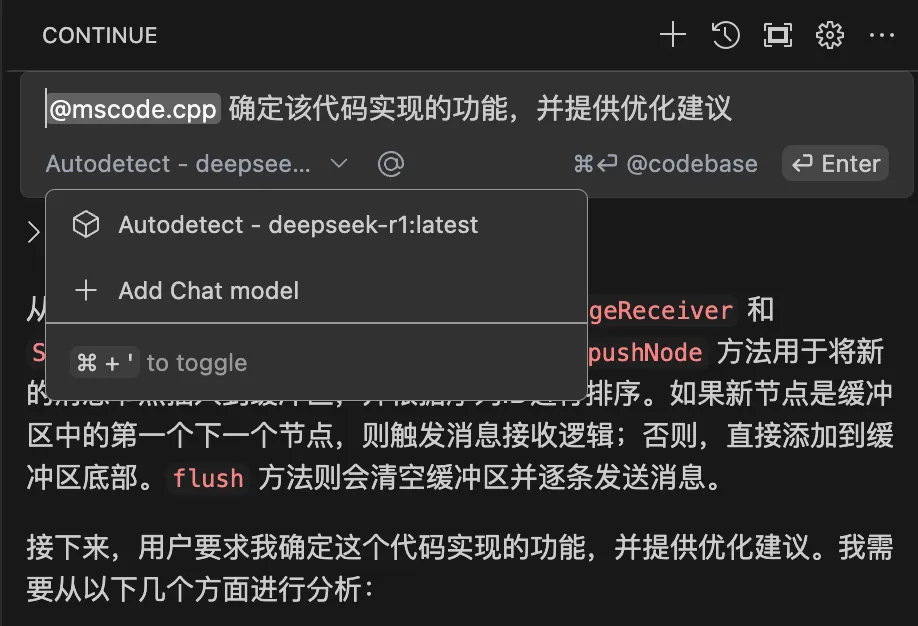
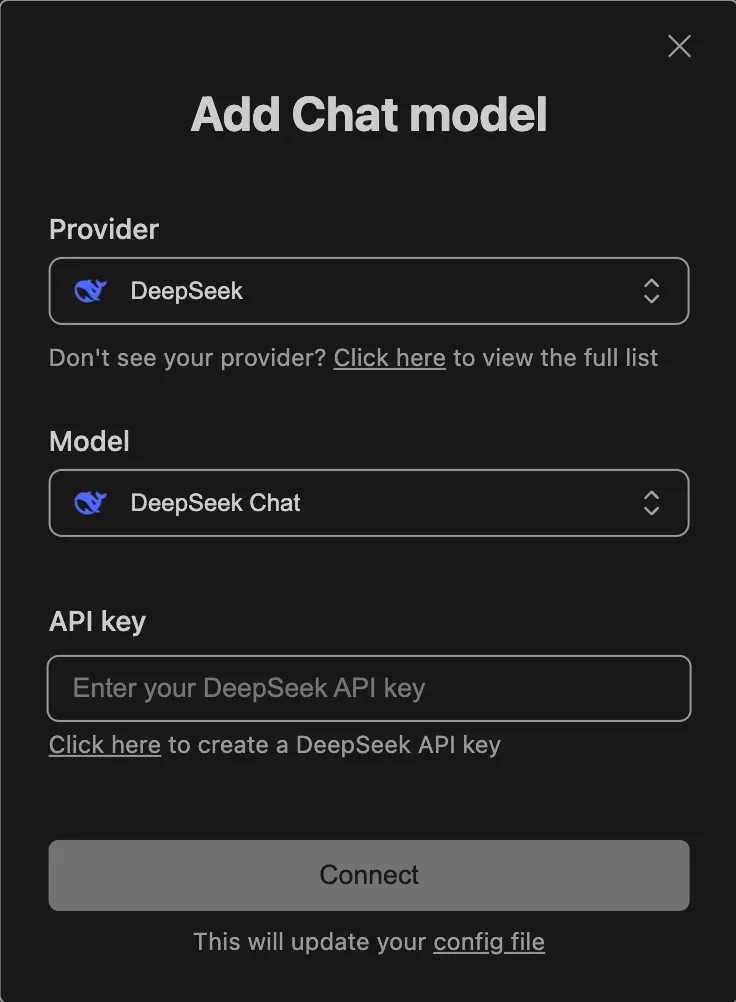
Request an API key from the DeepSeek Open Platform, then add the corresponding key in VSCode.